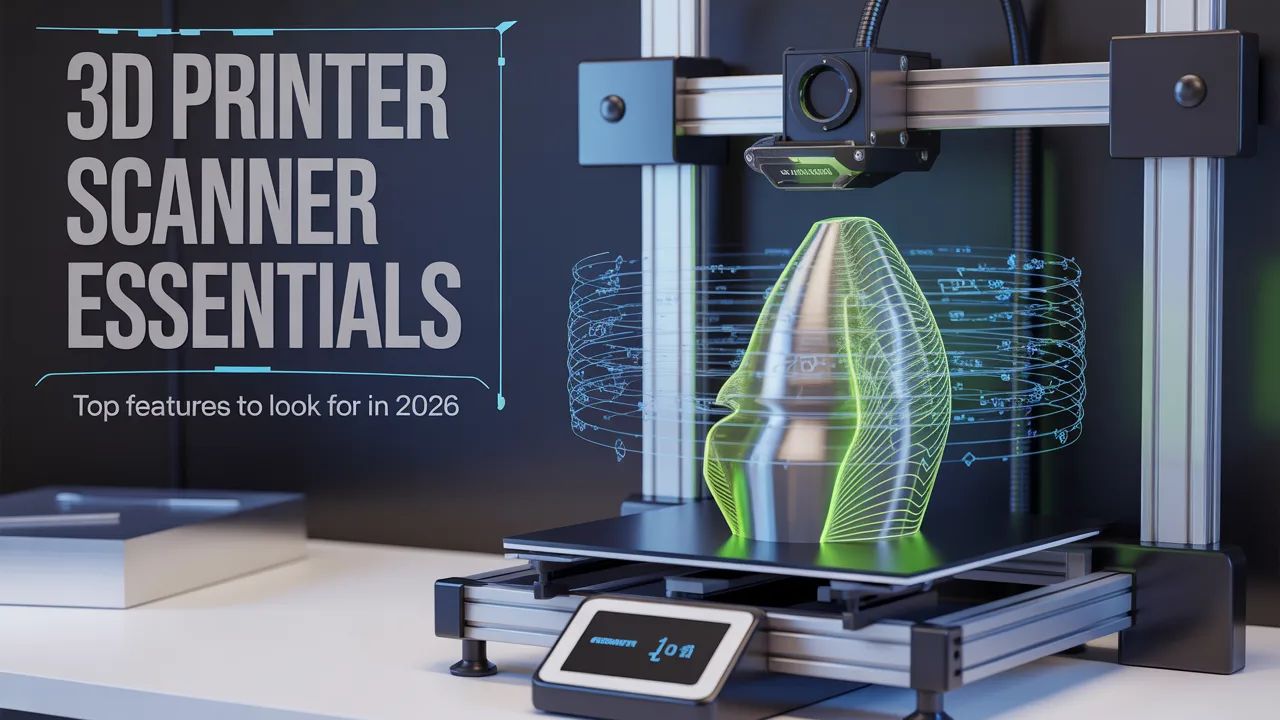
3D printing has become a cornerstone of modern design, prototyping, and manufacturing. But even the most advanced 3D printers can’t reach their full potential without the right scanning tools.
A modern 3D printer scanner bridges the gap between real-world objects and digital models. It captures precise shapes, textures, and dimensions, allowing creators to refine designs, reproduce parts, or jump straight to 3D printing.
As we approach 2026, the technology continues to evolve, offering faster, more accurate, and more versatile scanning solutions than ever before. Knowing what features to look for will ensure you invest in a scanner that meets both your current and future needs.
Table of Contents
Why a 3D Printer Scanner Matters
Without a scanner, creating accurate 3D models often requires manual measurements and extensive digital modeling. Mistakes are common, especially for intricate objects or irregular shapes.
A 3D printer scanner removes this guesswork. By capturing an exact digital representation, it saves time, reduces errors, and makes the design process smoother. For hobbyists, engineers, and professional designers alike, a reliable scanner is now an essential tool.
Top Features to Look For in 2026
When selecting a modern 3D printer scanner, several key features should guide your decision:
- High Accuracy: The scanner should capture fine details and precise dimensions. This ensures your 3D prints fit perfectly, especially for functional parts.
- Speed: Efficient scanning reduces project time. Fast point-cloud capture helps you move quickly from scan to model.
- Portability: Lightweight, handheld scanners allow on-site scanning or flexible workflows in the studio.
- User-Friendly Software: Look for devices with easy-to-use software for cleaning, aligning, and exporting models.
- Compatibility: Ensure the scanner integrates with your 3D printing or CAD software. Export options like STL or OBJ are essential.
- Versatility: The scanner should handle objects of various sizes, from small components to larger models.
These features collectively define a scanner that works seamlessly with modern 3D printing workflows.
Handheld vs. Desktop Scanners
Handheld scanners offer portability and flexibility. They’re ideal for scanning large, irregular, or delicate objects without moving them to a fixed setup.
Desktop scanners provide stability and precision. They are often better for small objects that require high-detail scanning.
In 2026, many creators combine both types depending on their project requirements, ensuring maximum versatility.
Applications Across Industries
A scanner for 3D printing is no longer limited to hobbyists. Its applications extend across numerous fields:
- Product Design: Capture prototypes, modify shapes, and reproduce parts quickly, especially when paired with local 3D printing services to speed up development cycles.
- Engineering: Reverse-engineer components and inspect prototypes for accuracy.
- Art and Sculpture: Digitize works for preservation or replication.
- Education: Teach 3D modeling and design using real-world objects while integrating tools like the best label printer for organized prototyping and product labeling.
- Medical & Custom Devices: Scan body parts or prosthetics for precise, personalized fabrication.
The right scanner opens up possibilities for both creative and professional workflows.
How Revopoint Leads the Way
Revopoint offers some of the most reliable scanner for 3D printing solutions on the market. Their devices are known for balancing high accuracy, portability, and ease of use, making them ideal for both beginners and professionals looking to capture real-world objects efficiently.
Key advantages of Revopoint scanners include:
- High-resolution scanning for detailed captures
- Fast scanning speed for efficient workflows
- Real-time tracking to reduce rescans and errors
- Portable, handheld designs for flexibility
- Seamless software integration for editing and exporting
These features make Revopoint scanners ideal for both beginners and professionals, offering a complete solution for scanning and 3D printing needs.
Tips for Getting the Best Results
Even with a great scanner, workflow matters. Follow these tips to maximize output:
- Ensure Proper Lighting: Good light reduces errors and improves scan quality.
- Stabilize Objects: Avoid movement to capture precise measurements.
- Capture Multiple Angles: Scan all sides to create a complete digital model.
- Edit Scans: Use software to fill holes, align multiple scans, and smooth surfaces before printing.
A little preparation ensures your 3D printing produces reliable, high-quality results every time.
The Future of 3D Printer Scanning
As technology evolves, modern 3D printer scanners are becoming faster, smarter, and more intuitive. AI-assisted tracking, improved sensors, and better software integration will continue to make scanning easier and more accurate.
By 2026, handheld scanners will provide near-instant digital models, allowing makers and professionals to move directly from concept to production with minimal delay. Portable and efficient scanners will be an essential part of any 3D printing workflow.
Final Thoughts
Choosing the right modern 3D printer scanner is critical for anyone serious about 3D printing. It improves accuracy, speeds up workflows, and opens up creative possibilities that manual modeling alone cannot achieve.
Whether you are a hobbyist exploring new projects or a professional designer refining prototypes, a reliable scanner for 3D printing ensures your ideas are captured precisely and transformed into physical objects efficiently.
Brands like Revopoint offer versatile, user-friendly, and accurate scanners, making high-quality 3D scanning accessible to everyone. In 2026, investing in the right scanner is not just a convenience—it’s a necessity for modern makers.